
Kari is an integrated front-end app that lets you work with multiple AI agents from a single screen, bringing file browsing and AI operations together in one place.
What is Kari
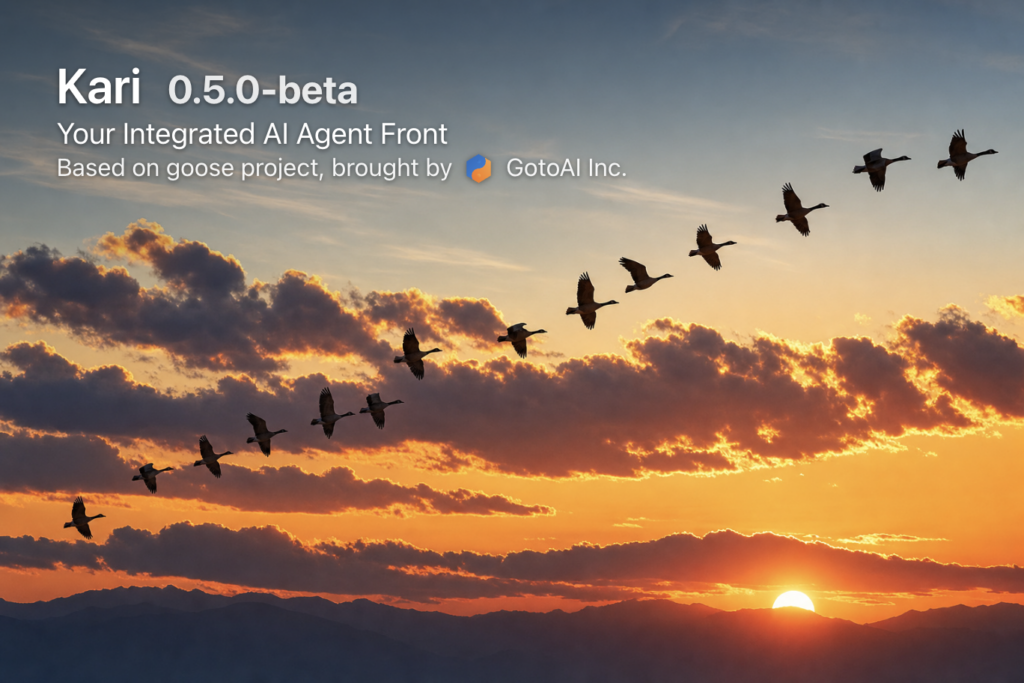
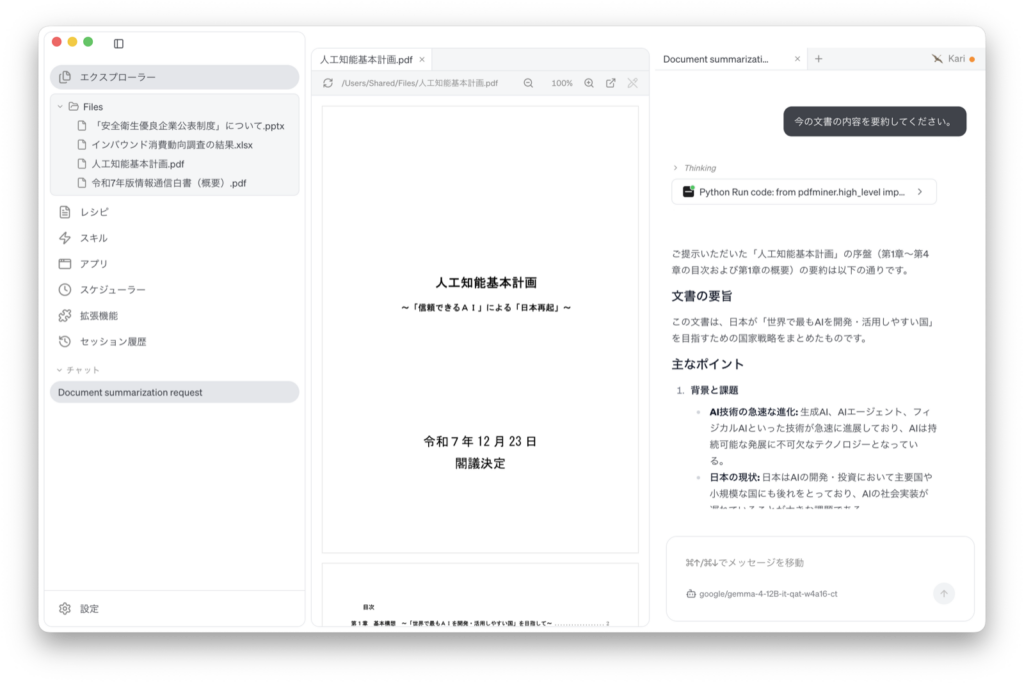
Kari (かり・雁, Japanese for “wild goose”) is a user-centric AI agent front end for reading through your local files together with AI and getting work done. It brings everyday tasks into a single screen, including drafting emails, summarizing and translating documents, drafting slides, analyzing data, and researching the web etc.
It comes pre-configured for more than 70 AI providers, and also supports adding your own providers and running local models. By combining Kari with OumiGo, you can easily build a self-contained AI system within Japan.
Use cases for Kari
- Summarize meeting notes and PDF / Word documents
- Translate PDF, Word, and PowerPoint files
- Draft PowerPoint presentations
- Aggregate and visualize Excel data
- Create flowcharts
- Search web pages, and search across large numbers of local files
See the documentation for details.
Download
Choose the build for your platform below.
The current version is 0.5.0-beta. The macOS and Linux builds are available now; the Windows build is coming soon.
Licensing
Choose the option that matches how you will use Kari.
Community
- Individuals, no time limit
- Legal organizations of less than 100 people, no time limit
- Legal organizations of 100 or more people, within 60 days evaluation time limit
- Free to use, including at work
- Resale or redistribution
- Distributing modified copies
Provided as-is, without warranty
Download for freeCorporate
Legal organizations of 100 or more people, beyond the 60-day evaluation
- Licensing tailored to your use
- Deployment & support
Documentation
For installation steps and detailed usage, see the documentation site.
- Quick Start: installation and initial setup
- Using Kari: practical usage examples